Documentation
Environment Variables
Environment variables let you maintain grouped sets of variables per project (ANDROID_HOME, API keys, proxy settings) and apply or clear them on any terminal session with one click. They live in the server config; values are encrypted at rest.
Maintaining in the Web UI
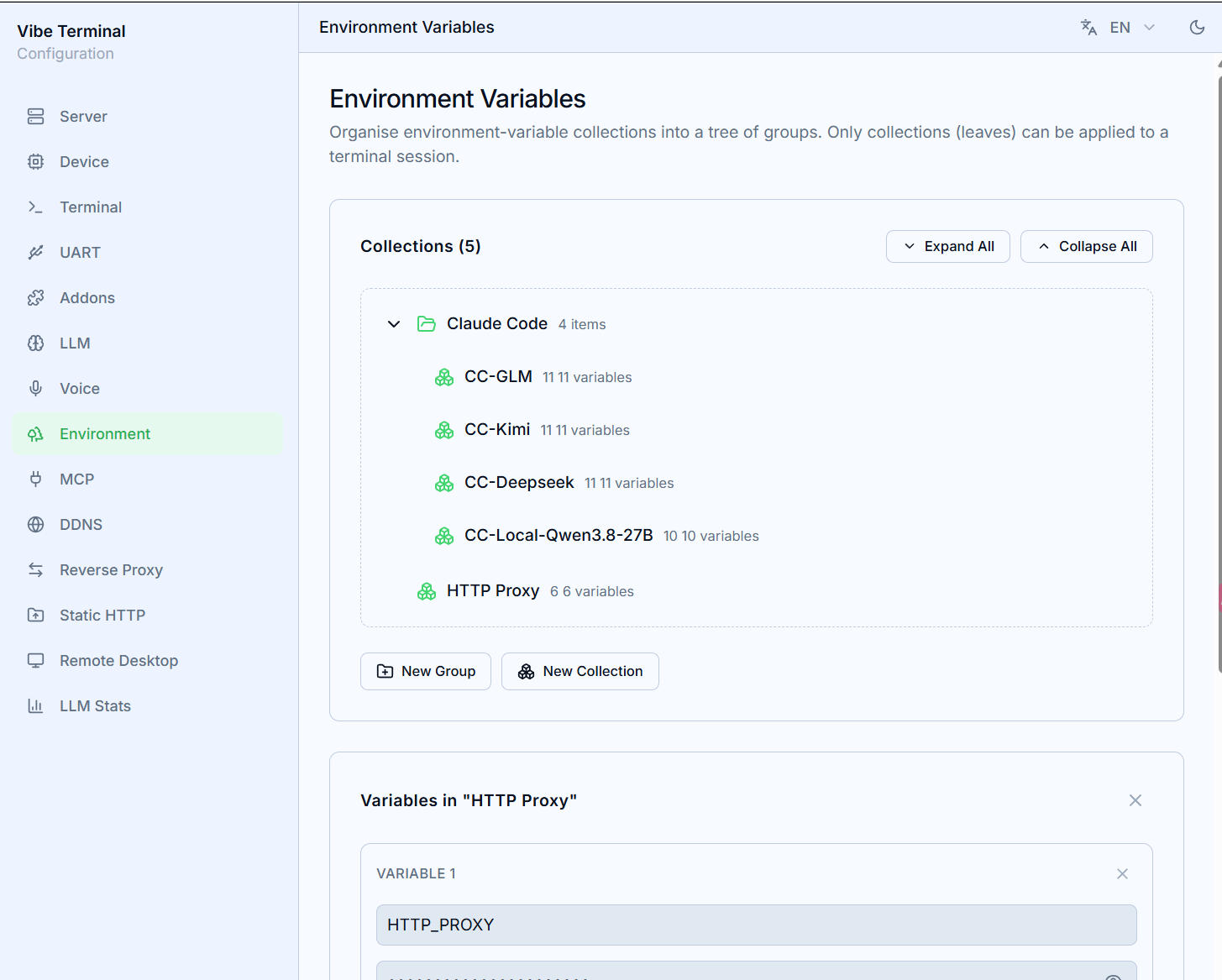
The Environment Variables section organizes them as a tree:
- Groups — pure containers, nestable (right-click →
New Group), for organizing by project or scenario; - Collections — the leaves of the tree and the actual variable holders (
New Leaf); only collections can be applied to a terminal; - Each collection’s key/value pairs are edited via
Edit Variables(Add Variable); values are hidden by default; - Collections can be duplicated to derive variants (the same set with one key changed).
Applying to a terminal
Right-click inside a terminal → Envs:
- The submenu mirrors the tree from the Web UI; expand a collection and choose
Applyto inject its variables into the current session, orClearto remove them again; - Newly started processes see the variables (already-running foreground programs don’t);
- Collections appear folded under their groups; the whole
Envsitem hides when the tree has no collections.